
The Shortcut Addiction Cash Machine Setup Hub
Install your links. Copy the assets.
Fuel it with traffic. Switch it on.
THE INFRASTRUCTURE: LEADSLEAP PRO
This entire automated machine runs on LeadsLeap. You must have an upgraded Pro account to operate this trap.
Why?
Because you need their built-in Autoresponder to send the follow-up emails, and you need their Pro account to generate secure (HTTPS) links. Modern web browsers will block unsecure pages. LeadsLeap is the cheapest, most efficient all-in-one platform on the market, and it includes free traffic.
>> Click Here to Create Your LeadsLeap Account
(Pro Tip: Upgrade immediately after joining. They offer a massive discount if you do it right away. If you wait, you pay full price.)
STEP 1: GET YOUR IM JERK AFFILIATE LINK
You need your WarriorPlus affiliate link so you get paid 75% when people buy the upgrade.
- >> Click Here to request your WarriorPlus Affiliate Link
- In the request notes, type: "I bought the upgrade! Please approve me for 75%." (I check these daily).
- Once approved, copy your affiliate link.
STEP 2: REBRAND YOUR REPORTS
We need to hard-code your affiliate links inside both PDFs. You will do this right here on this page using the software boxes below.
CRITICAL RULE: When pasting your links into the software, do NOT include
the https:// part, or it will break the software and your links will fail.
- Rebrand the Core Report: Scroll down to the Core Report Rebrander box directly below this text. Enter your Primary Offer link and your WarriorPlus Affiliate link (the one you got in Step 1). Click "Rebrand & Download PDF" and save the new Core Report PDF to your computer.
- Rebrand the Bonus Report: Scroll down to the Bonus Report Rebrander box. Enter those exact same two links. Click "Rebrand & Download PDF" and save the new Bonus Report PDF to your computer.

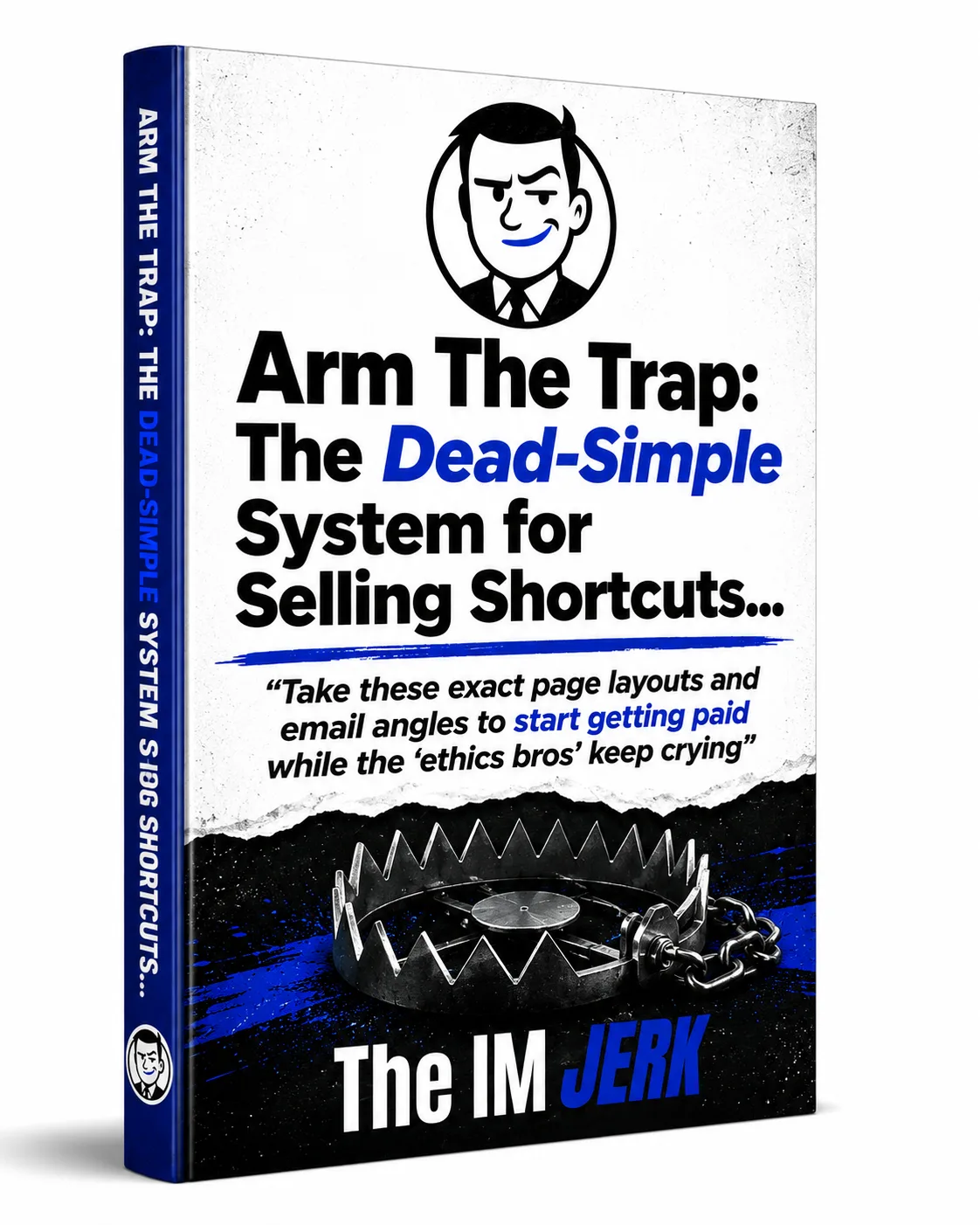
You should now have two customized PDFs saved to your computer. You will need them for the next step.
PRO TIP FOR CASH MACHINE OPERATORS:
Once a prospect downloads your PDF, that file is out in the wild forever. If you paste a direct link for your Primary Offer and that offer shuts down in six months, your PDF becomes a dead end.
Instead, use the LeadsLeap Link Tracker (on your left-hand menu) to create a tracking link, and paste THAT into the rebrander. If an offer ever dies, you just log into LeadsLeap, change the destination link, and all your circulating reports instantly point to your new offer.
Newbies hard-code their links. Smart Cash Machine Operators use trackers.
STEP 3: HOST YOUR REPORTS
- Go to 'Hosting' -> 'PDF Manager'.
- Upload your newly rebranded report.
- Copy the secure link they give you. You will need it for the next steps.
STEP 4: IMPORT THE FUNNEL
- Go to LeadsLeap 'Funnel Manager'.
- Click "Add a new funnel" and give it a name (e.g., "Shortcut Addiction Trap").
- Click the "+" (plus sign) icon on your new funnel, select "Import using a share code," and paste this exact Funnel Share Code: funnel-upQH59
(This imports your Squeeze Page, Download Pages, and Email Confirm Page all at once). - Now, go to the LeadsLeap 'Page Manager' to edit your newly imported pages.
- Update Your Links: Open the Download Page editor. Change the "Download" button link to your hosted PDF link from Step 3. Change the red "Upgrade" button link to your WarriorPlus affiliate link. Save the page.
- Copy Your Links: On the Page Manager screen, copy the URLs for your new Squeeze Page and your new Download Page. You need them for the next step.
STEP 5: IMPORT & UPDATE THE EMAILS
- Go to LeadsLeap 'List Manager' and create a new list.
- Import the 3-Day Autoresponder using this Share Code: list-eqRX9Fu
- Open the emails and update the links inside them. Point the "Free Report" links to your Download Page URL (so they see the upgrade button again). Point the direct "Upgrade" links to your WarriorPlus affiliate link.
- Connect The Trap: Go back to your 'Page Manager' and open your Squeeze Page editor. On the left-hand menu, click 'List'. Select 'SendSteed' and choose the email list you just created. Save the page. (If you skip this, your emails will not send).
WARNING REGARDING THE BONUS REPORT:
Your package includes a rebrandable version of the Bonus Report and its own Download Page. DO NOT GIVE THIS AWAY FOR FREE. If you give away the Bonus Report, you remove one of the biggest reasons for your prospect to buy the $19.99 upgrade. Keep it hidden. Sell it.
STEP 6: DEPLOY THE TRAFFIC ENGINE
- I have prepared my top 3 LeadsLeap Ad Sets and 1 Solo Ad Broadcast Email for you.
- >>Click Here to copy the Swipe Files to your Google Drive
- Load the images and the ad text into your LeadsLeap Credit Ads and Pro Ads.
- Set the link in all of your ads to point directly to your new Squeeze Page.
STEP 7: TURN THE WRENCH
You now have the exact blueprint to build the machine.
I’m not going to pump you up with fake guru motivation or tell you to "believe in yourself."
System collectors read instructions, get excited, and do nothing. Cash Machine Operators shut their mouths, turn the wrench, and build the trap.
You know what to do.
Stop staring at this page, open a new tab, and get to work.
That's all for now...

Contact | Privacy & Cookies | Terms & Refunds | Earnings Disclaimer | Affiliate Disclosure
© 2026 The IM Jerk. All Rights Reserved.